
Automated Dispensing Robot Videos
A World of Robotic Dispensing and Assembly Solutions7 Best Weather Station Humidity Sensors for Buyers
A Weather Station Humidity Sensor can turn a backyard setup into a useful record of changing air conditions. But the number on the display is only a starting point. A sensor mounted beside a warm wall may report differently from one placed in a shaded, ventilated enclosure. Small details matter.
Meteorological observing-systems specialist David Berry’s guidance can be paraphrased this way: sensor exposure and maintenance are essential to trustworthy readings. This guide compares seven options with practical buyer questions in mind. We consider stated accuracy, response time, operating range, compatibility, and replacement availability. A tight accuracy specification looks appealing, but it does not guarantee consistent results in poor placement or after years of exposure. Look for clear calibration guidance, too.
The right choice depends on your station and your habits. Do you need a simple replacement probe, or a sensor that connects to a specific console? Will it face strong sun, frost, or driving rain? Check the manufacturer’s installation limits before buying. Also consider how easy the sensor is to inspect and replace. No model removes every uncertainty. Even a well-made instrument can drift, and that is easy to overlook. The selections ahead help buyers compare useful features without treating a product rating as a substitute for careful setup.
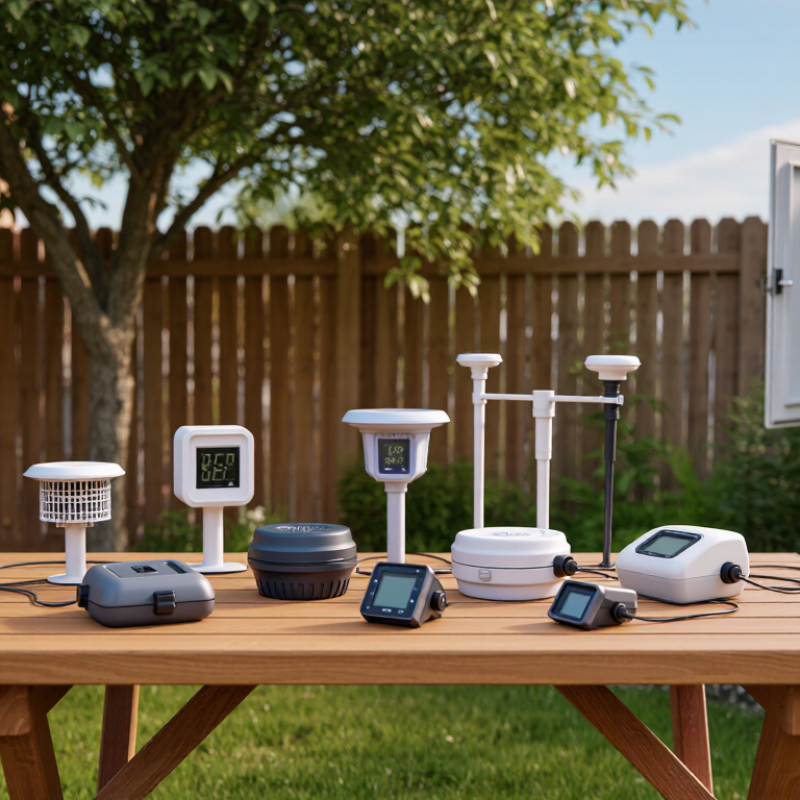
How Weather Station Humidity Sensors Measure Moisture
Most weather-station humidity sensors measure relative humidity, not the total amount of water vapor in the air. A common sensor uses a thin, moisture-sensitive polymer. Water molecules enter the material and change its electrical capacitance. The station’s circuit converts that change into a humidity percentage. Simple idea. The percentage describes how close the air is to saturation at its current temperature.
Temperature matters. Many stations read temperature beside humidity and use it to improve the displayed result. A sensor in direct sun, near a warm wall, or exposed to rain may give misleading readings. Protective screens reduce sunlight and splashes while allowing air to pass through. Some models use resistive elements instead of capacitive ones, but both need stable airflow and sensible placement. Even careful readings are not perfect; dust, aging, and rapid weather changes can create small errors.
Tips: Mount the sensor in a shaded, ventilated spot, away from vents and paving that heats up. Check it against a trusted reference occasionally, and note unusual readings before adjusting anything. Don’t clean the sensing element with solvents or poke it. A few minutes of patience helps.
7 Best Weather Station Humidity Sensors for Buyers – How Weather Station Humidity Sensors Measure Moisture
| Sensor option | How it measures moisture | Typical measurement range | Typical accuracy | Typical response time | Best suited to | Buyer considerations |
|---|---|---|---|---|---|---|
| Outdoor capacitive probe | Water vapor changes the electrical capacitance of a moisture-sensitive polymer film; electronics convert that change to relative humidity (RH). | Typically 0–100% RH | About ±2–3% RH near room temperature | About 8–30 seconds | General-purpose outdoor weather stations | A common balance of accuracy, power use, and cost. Check temperature compensation and the recommended calibration interval. |
| Shielded capacitive sensor | Uses the same capacitive polymer principle, with a radiation shield that helps limit direct sun and rain exposure around the sensing element. | Typically 0–100% RH | About ±2–5% RH, depending on the sensor and conditions | About 10–60 seconds, depending on airflow | Standard outdoor installations exposed to sun and changing weather | The shield and its ventilation affect readings; install it in a well-exposed location away from walls and heat sources. |
| Aspirated capacitive sensor | A small fan draws ambient air across a capacitive RH element, helping the sensor track air conditions rather than the temperature of its housing. | Typically 0–100% RH | About ±2–3% RH for many configurations | Often about 5–20 seconds | Sites where fast response and reduced solar-heating error matter | Fan power, maintenance, and protection from dust or insects should be considered. |
| Heated capacitive probe | A polymer-capacitance element is warmed to reduce condensation or frost; the instrument uses the element temperature and sensor output to derive ambient moisture conditions. | Usually 0–100% RH within the specified operating conditions | Often about ±2–5% RH; performance depends on the measurement method | Typically tens of seconds to several minutes | Cold, wet, or icing-prone environments | Heating uses extra power. Confirm that the instrument reports ambient RH rather than RH at the warmed sensor surface. |
| Resistive polymer sensor | Absorbed water changes the electrical resistance of a hygroscopic material; the electronics use that resistance change to estimate RH. | Commonly 10–95% RH, depending on design | About ±3–5% RH for typical low-cost devices | About 10–60 seconds | Budget stations and applications where moderate accuracy is sufficient | Check long-term drift, temperature dependence, and recovery after exposure to condensation. |
| Chilled-mirror dew-point sensor | A mirror is cooled until condensation first forms on its surface. That temperature is the dew point, which can be used with air temperature to calculate RH. | Dew-point range depends on the instrument; RH can be calculated from dew point and air temperature | Often around ±0.1–0.2°C dew point for precision instruments | Typically tens of seconds to several minutes | Reference measurements and calibration work | Usually more expensive and maintenance-intensive than polymer sensors; mirror cleanliness is important. |
| Aspirated wet-and-dry-bulb psychrometer | Measures the temperature difference between a dry bulb and a water-wetted bulb in moving air; a psychrometric calculation estimates RH. | Broadly usable across ordinary atmospheric conditions when properly operated | About ±2–5% RH with suitable thermometers, airflow, and technique | About 30–120 seconds, depending on airflow and conditions | Manual observations and comparison checks | Requires clean water, a maintained wick, adequate airflow, and correct calculations; less convenient for unattended stations. |
Typical figures are indicative ranges, not guarantees for a specific instrument. Accuracy and response time vary with temperature, airflow, calibration, sensor condition, and the manufacturer’s stated test conditions.